Log what your family eats — Sofra plans your week from it and shows where your food money really goes.
No recipe browsing, no calorie guilt. Just your real food habits, turned into effortless plans and honest insights — for any family, any cuisine, anywhere.


FreeNo adsPrivate to your household
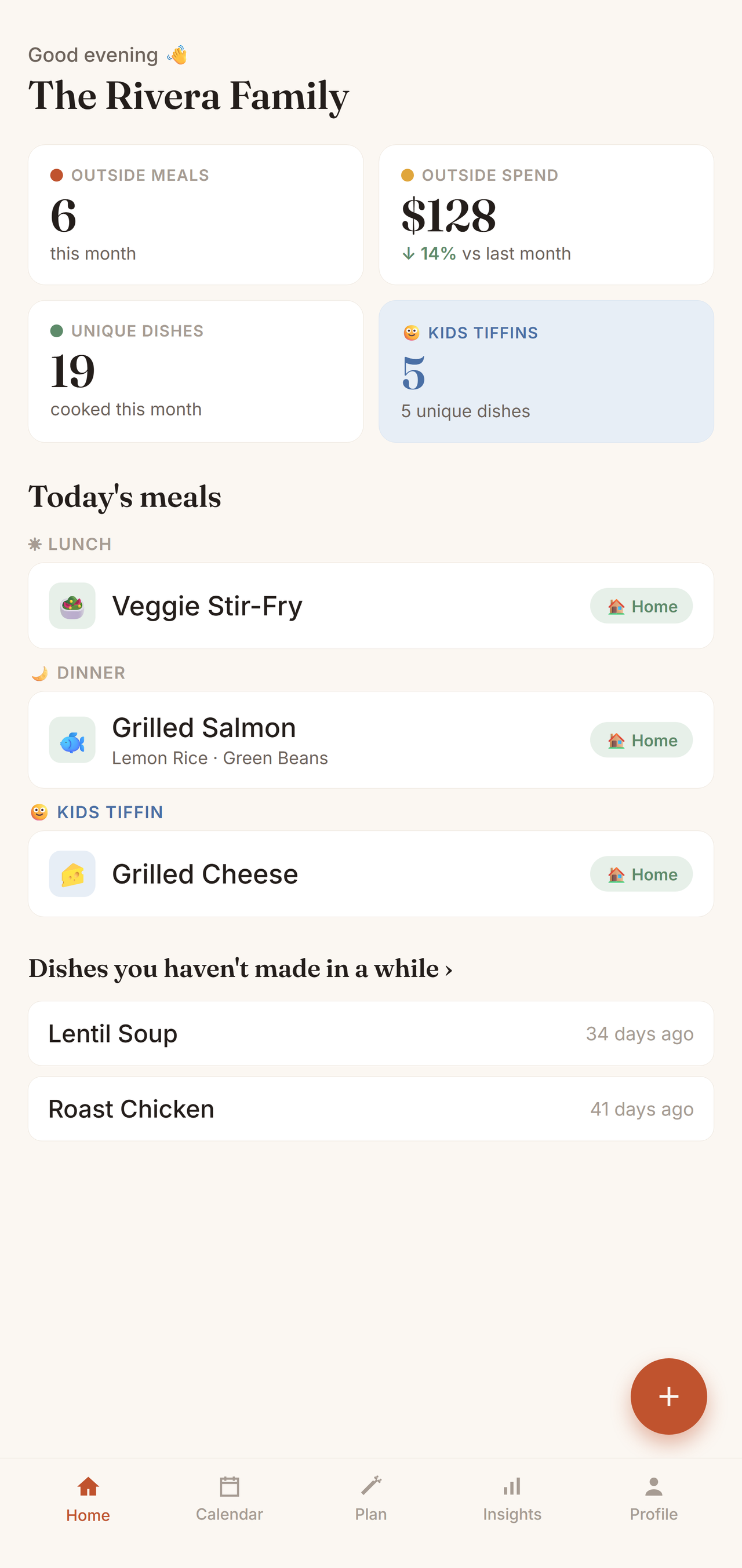
Log a meal, plan the week, see where your food really goes — the whole loop, start to finish.
Most meal apps give you new recipes to try. Sofra does the opposite — it gives you back the meals your family already makes and forgets. It's a memory tool, not a discovery tool.
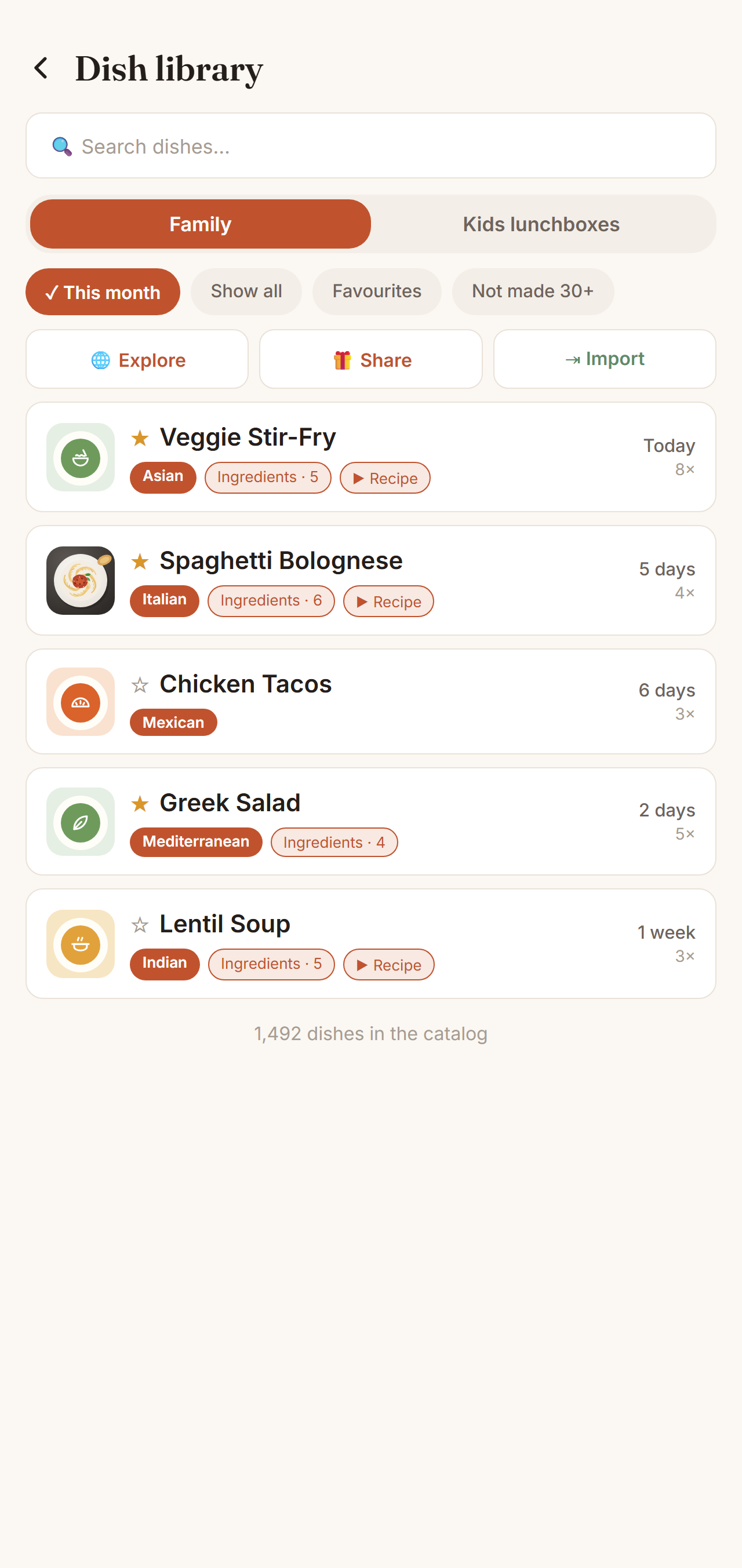
Every meal you log is remembered forever — searchable, sortable, always yours. Whiteboards erase; Sofra doesn't. And it surfaces the dishes hiding in your back catalogue: "It's been 87 days since Lasagna."
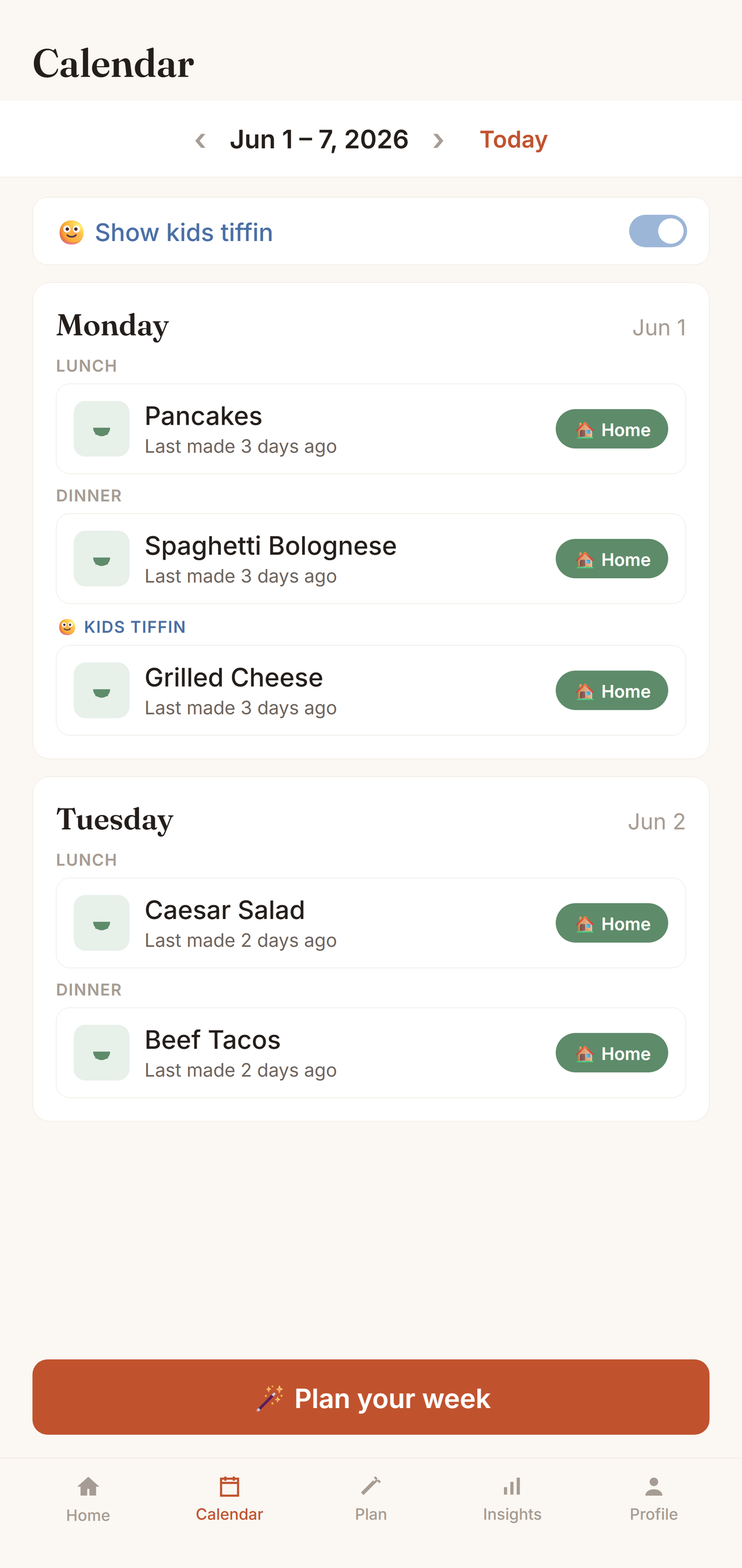
Auto-generate a week from what your family actually cooks — balanced across cuisines, avoiding recent repeats — then pull every ingredient into a shared grocery list in a tap. A little confetti when you accept it.
See your home-cooked ratio and exactly where your food budget goes — the pattern most families never notice. Then turn any insight into a branded card and share it in a tap.
Every meal is marked veg or non-veg with the familiar dot — detected automatically as you type — so your household's balance shows up on meals, history, and insights.
Plan school lunchboxes on their own track. Sofra won't repeat a lunchbox within the week and nudges you when one shows up three times.
Snap the dish you cooked and it shows everywhere — Home, calendar, dish library. No photo yet? Every dish gets its own warm illustration.
From mid-afternoon, Home shows tomorrow's lunch, dinner and the kids' lunchbox. Anything still open is one tap to fill.
Choose "don't repeat a dish within 7 days" and Sofra respects it — across sides and meals you already planned. Dishes you only ever order out are never suggested.
Rate the dishes you order and each place gets your family's own score — so next time you know what to order, and what to skip.
Make another parent an admin, or remove someone who no longer shares your kitchen. A family always keeps at least one admin.
Everyone in the family adds and sees meals in real time. A single source of truth for the kitchen.
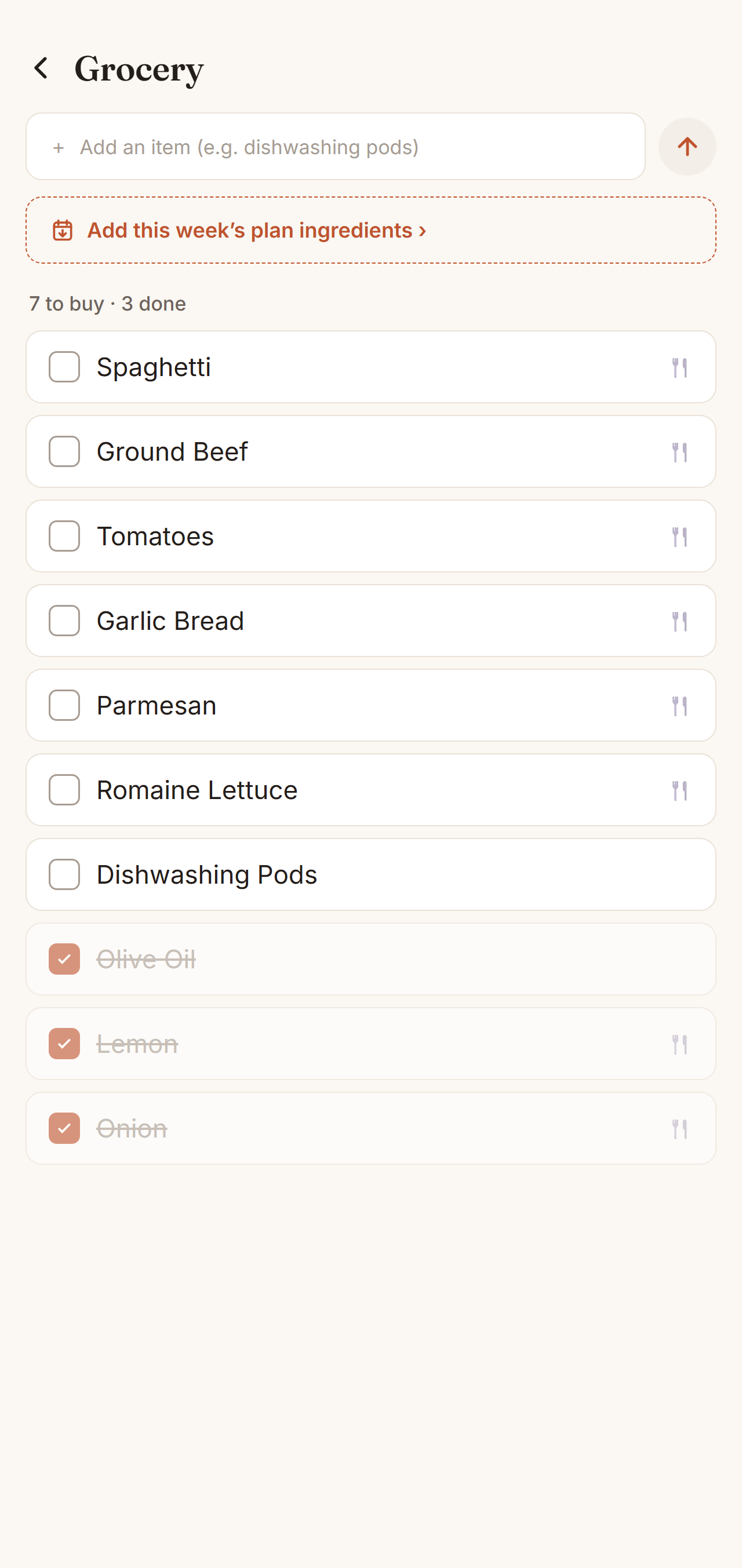
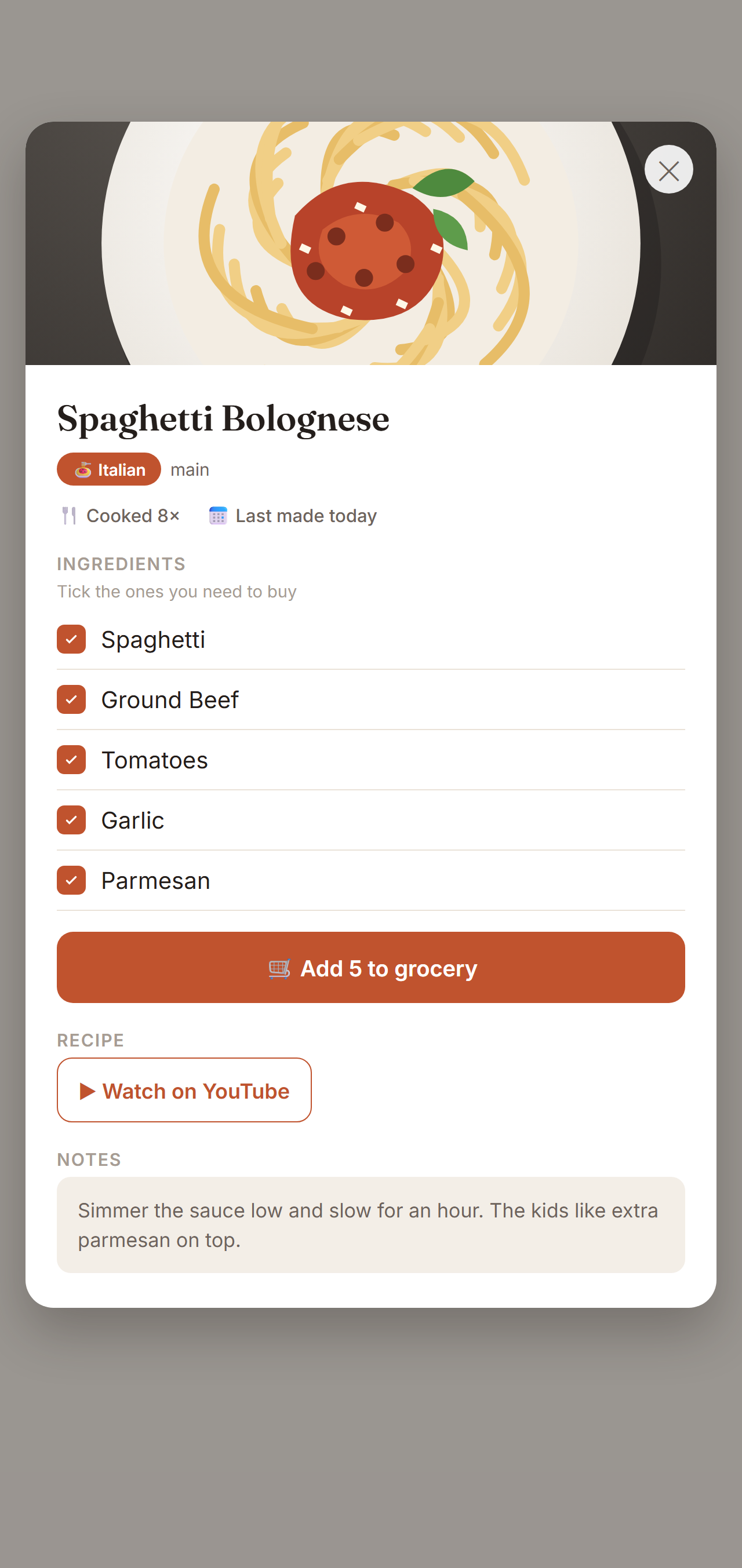
One shared household checklist. Pull in the ingredients for this week's — or next week's — planned dishes in a tap, add anything else by hand, and tick items off as you shop.
Keep the recipe where it belongs — on the dish. Paste a YouTube video, a link, or type your own "how I make it" steps, and open it in a tap right from the meal card.
Send another family your dishes with a single code — they pick what to import. Recipes and ingredients come along; your meals, ratings, and spending never do.
"What's for dinner?" answered in one tap — cook a recent dish again, let Sofra decide for you, or log leftovers without inventing a fake meal.
Four taps a week is all it takes. Here's what that looks like — a terracotta-and-sage design built to feel like a home kitchen, in light and dark mode.
Open Sofra and see what's for dinner — with a photo of your own cooking — and who planned it. Every evening, tomorrow's plan is waiting. This month's numbers sit right below, and the Plan button knows which days are still open.
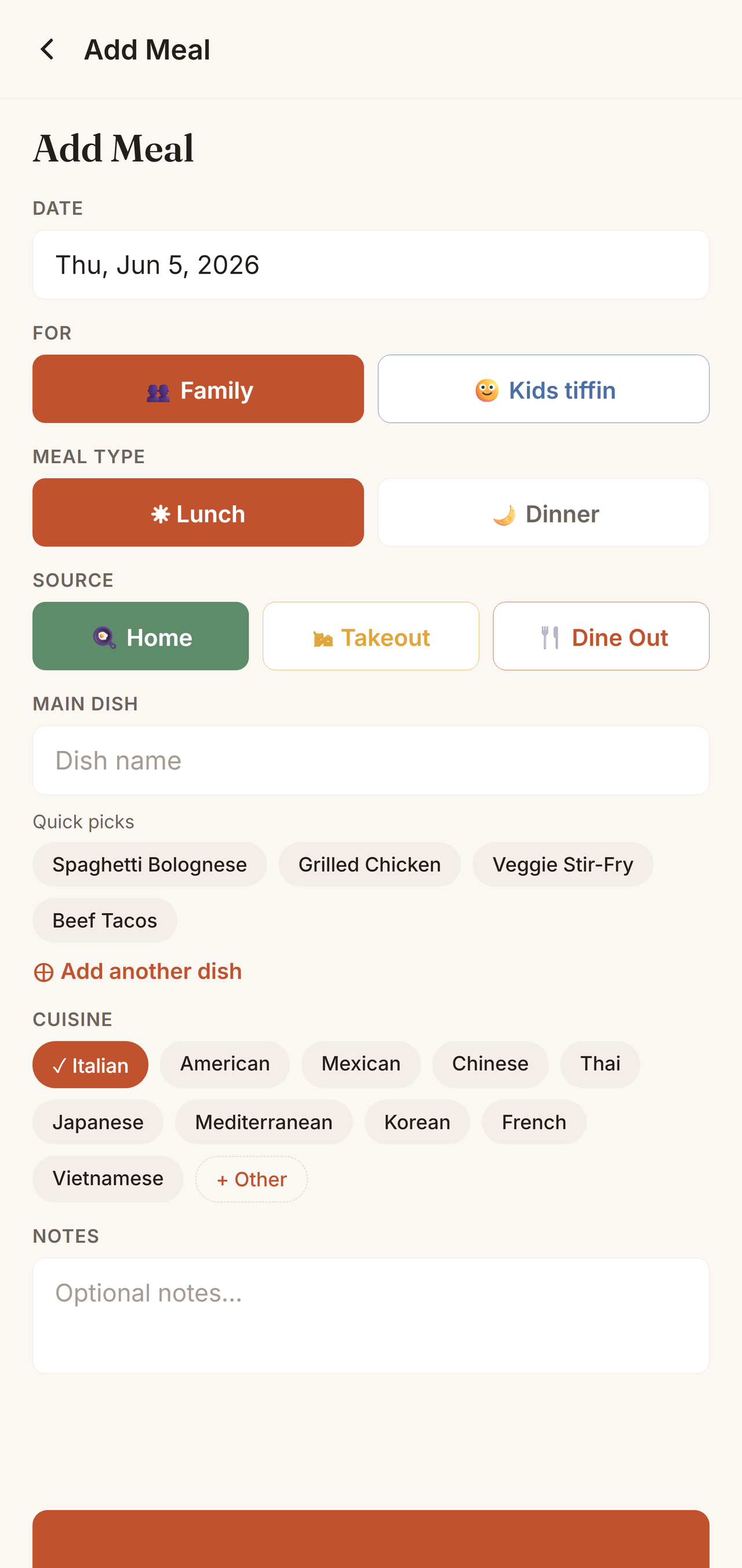
Autocomplete from your own history and smart time-of-day defaults mean a meal goes in with a tap or two. Home, takeout, or dine-out — even a full plate with all the sides.
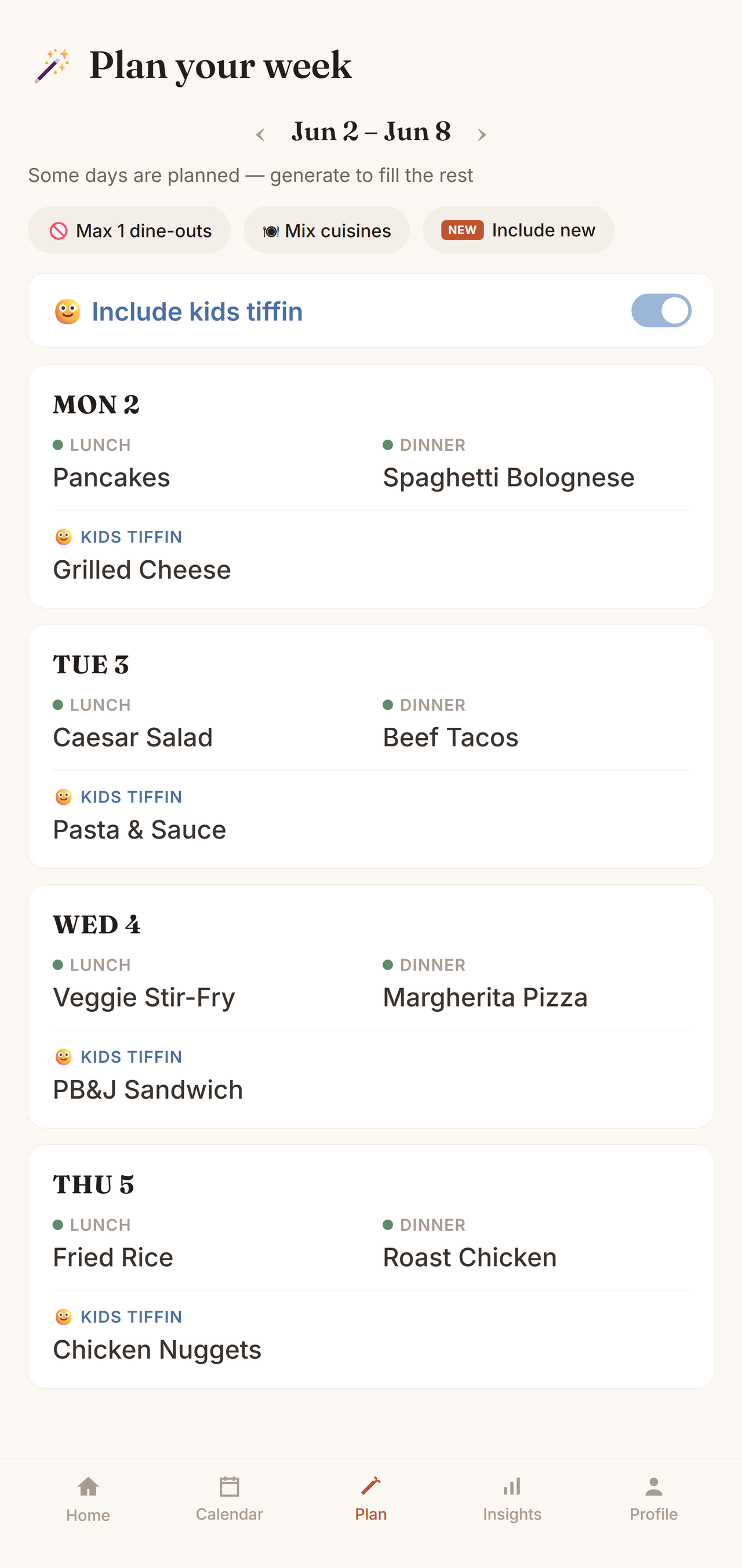
Tap once and Sofra drafts the week from what your family actually cooks — no dish repeats within the days you choose, cuisines mixed, kids' lunchboxes on their own track. Swap anything you like, then send the ingredients straight to your grocery list.
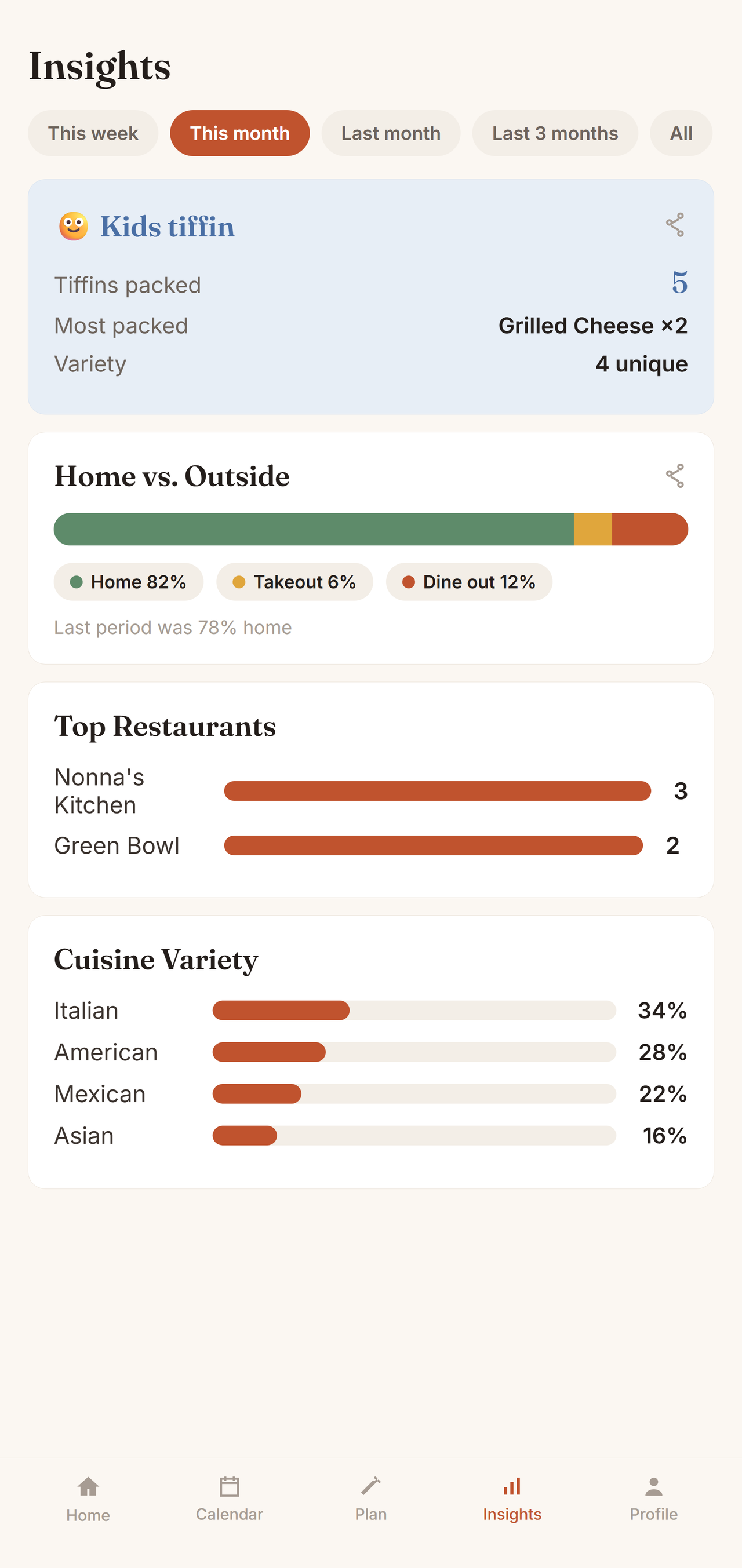
Home vs. outside, spend against budget, your most-loved dishes and the ones you've forgotten. The honest patterns most families never notice — and every one turns into a share-ready card.
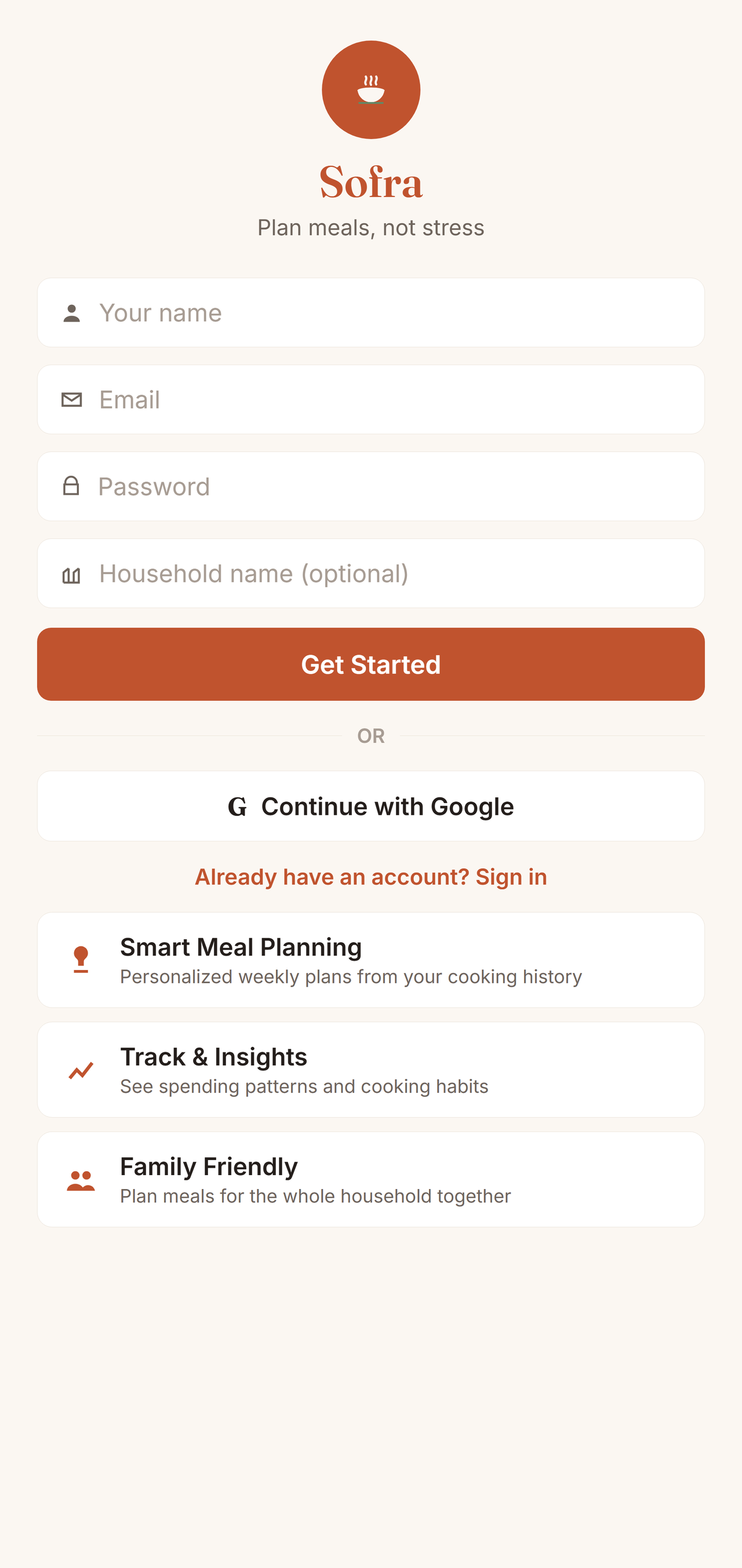
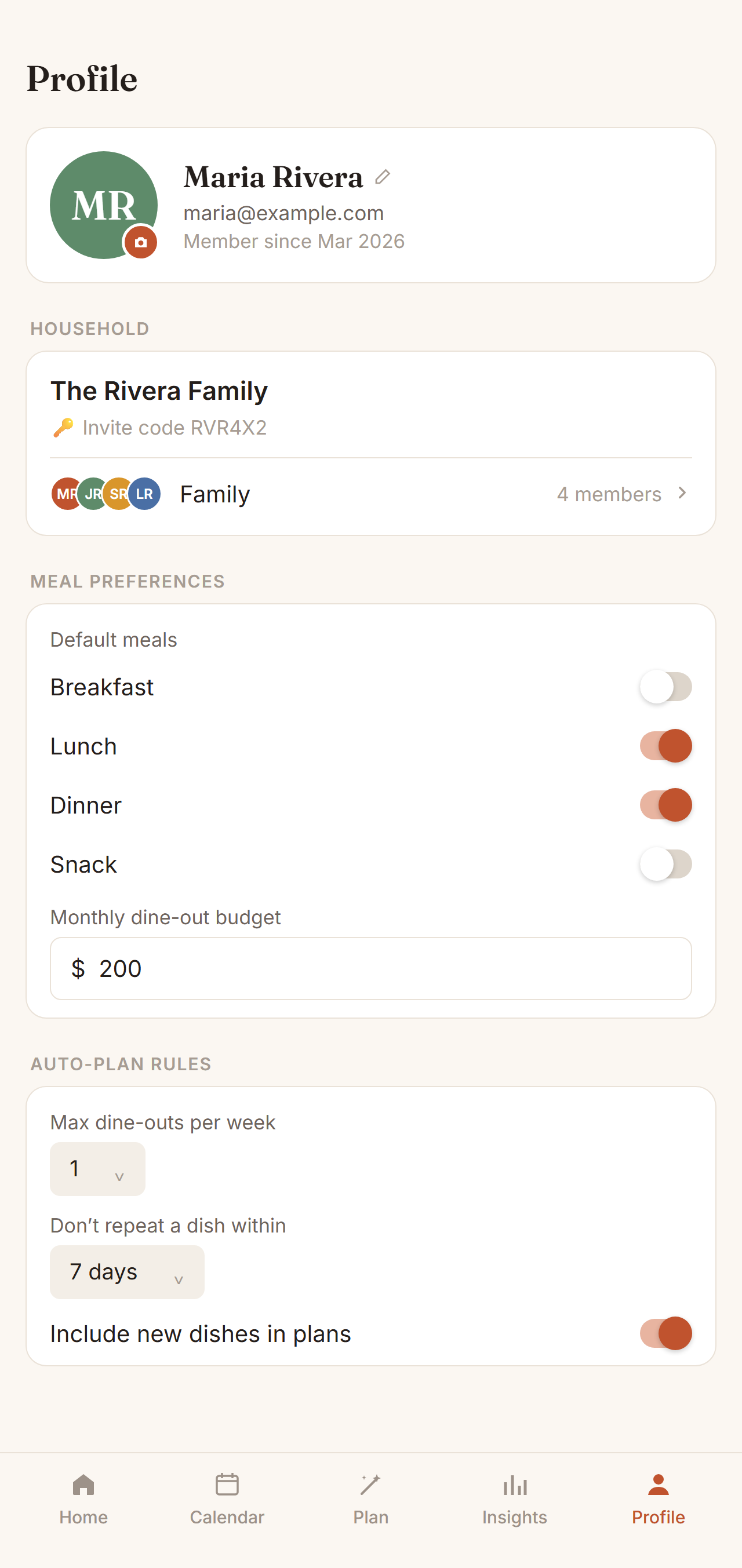
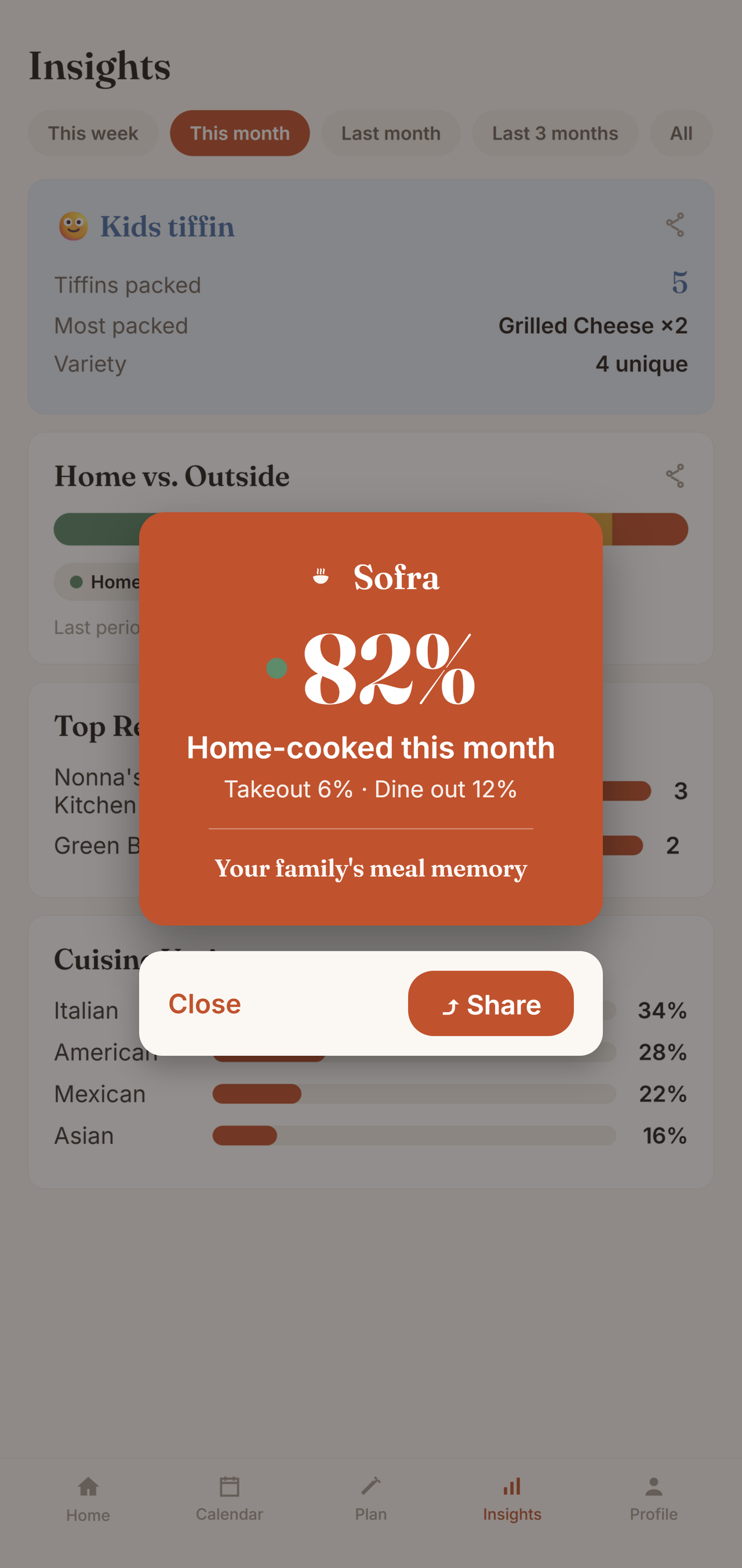
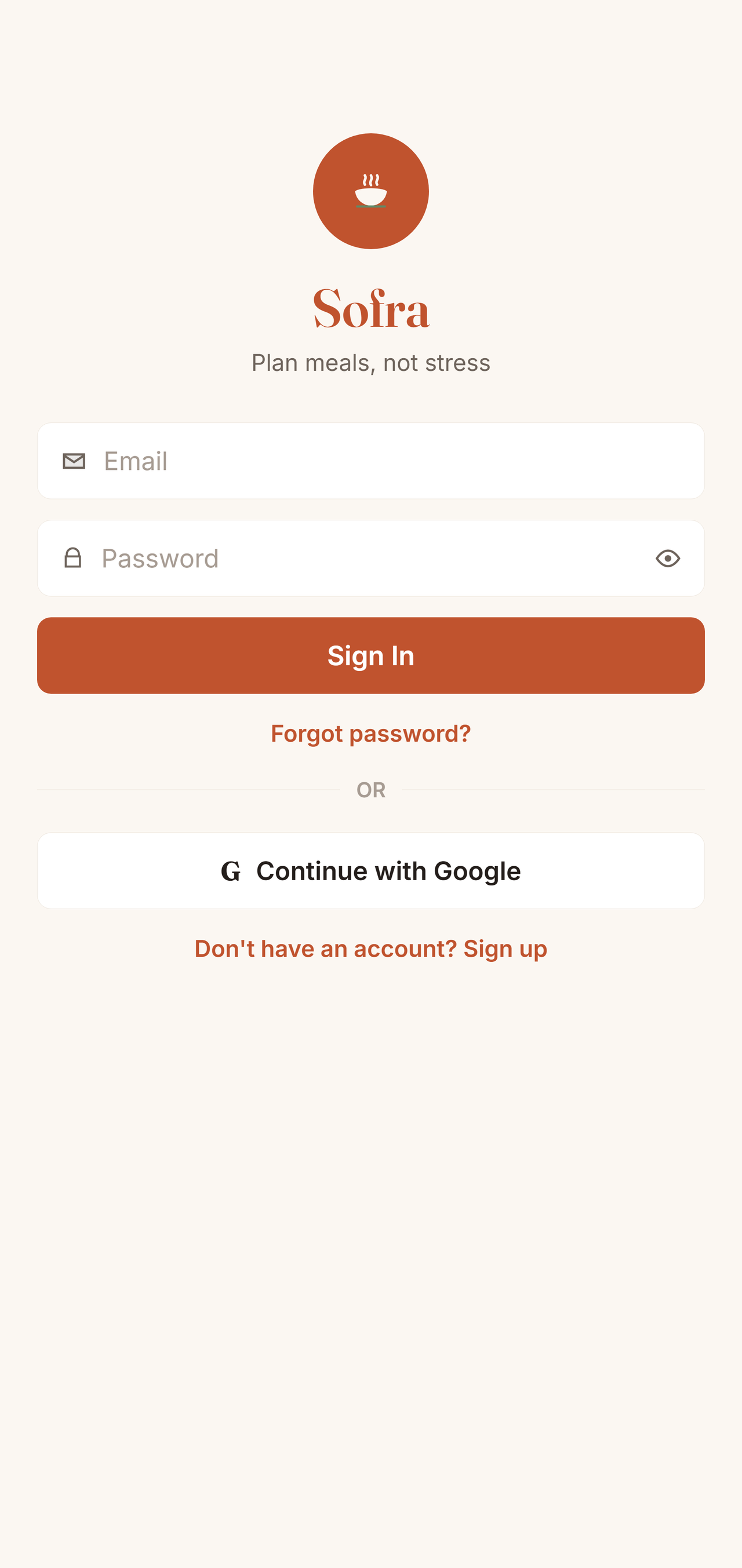
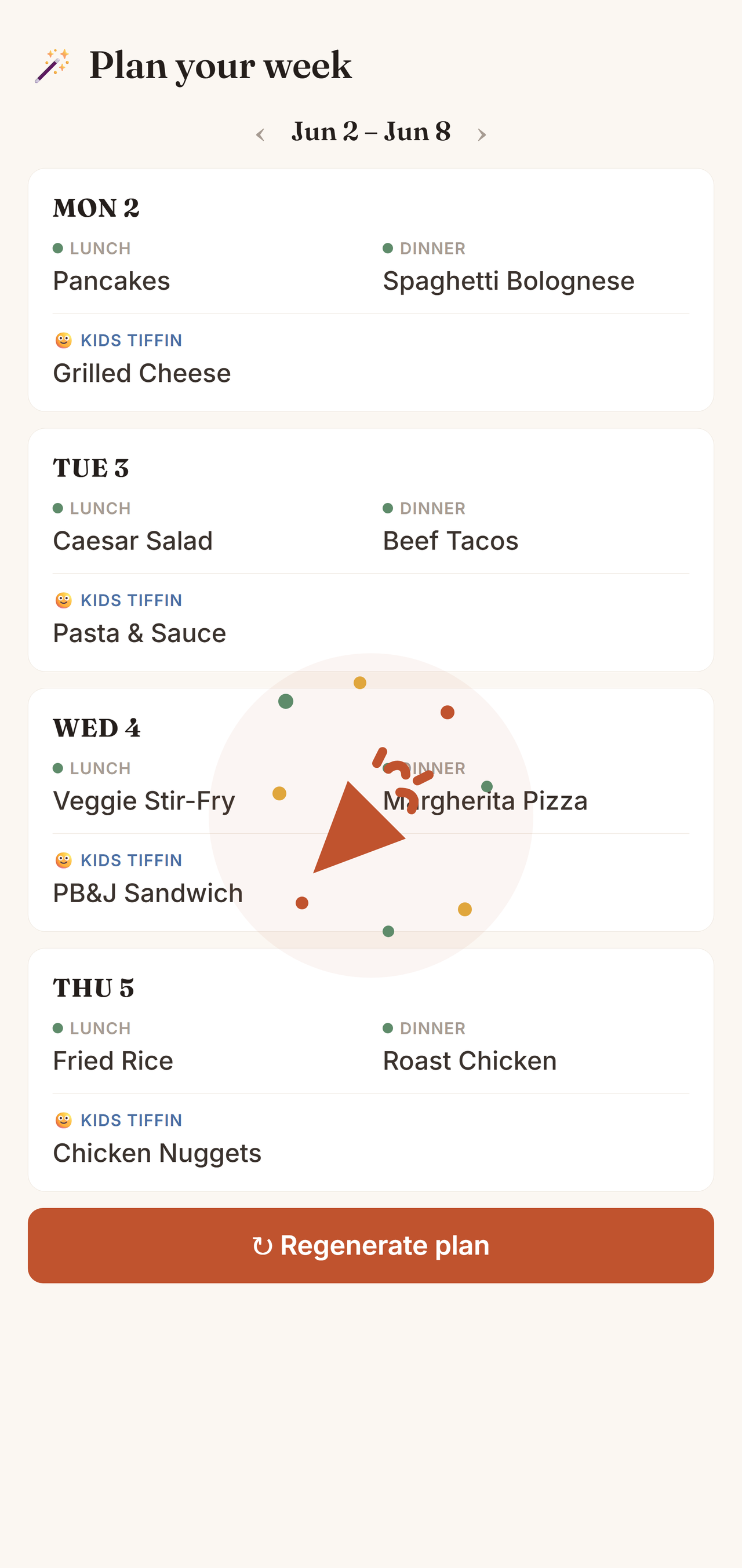
Ten-second logging with autocomplete and quick-picks. Home meals, takeout, dine-outs — even a full plate with all the sides.
After a week or two, Sofra knows your family's dishes, cadence, and spending.
Auto-plan the week, spot spending patterns, and rediscover dishes you'd forgotten.
Log what you eat for a week or two and let Sofra plan. It never repeats a dish within the days you choose (7 by default), and its "haven't made in a while" list brings back favourites you'd forgotten.
It builds the week from dishes your family has actually cooked: it skips anything eaten recently, mixes cuisines, keeps weekend dinners for eating out if you like, and never suggests dishes you only ever order from restaurants.
Yes. Kids lunchboxes have their own track on school days. Sofra plans them from your kids' own dishes, avoids repeats within the week, and reminds you when tomorrow's lunchbox isn't planned.
Yes. One tap adds the week's ingredients to a single shared grocery list. Add anything else by hand and tick items off together as you shop.
Yes, and it's optional. Add a photo when you log a meal or from any dish, and it appears across the app. Dishes without a photo get their own illustration.
Yes. Admins can make other members admins, or remove someone from the family. A family always keeps at least one admin.
Yes. Sofra adapts its layout when you use your phone's larger text settings, so labels and numbers stay readable instead of getting cut off.
No — it's a memory tool. Sofra remembers the meals your family already makes and plans from those, instead of pushing new recipes at you.
iPhone and Android — on the App Store and Google Play. Light and fast, with full light and dark mode.
Whatever you prefer: Sign in with Google, Sign in with Apple on iPhone, or a plain email and password.
You share one household. Everyone adds and sees meals together, in sync — a single source of truth for the kitchen.
Yes. Add a profile photo from your camera or gallery, and edit your display name anytime from your profile.
Sofra is free to use at launch, with no ads and nothing to buy.
Your meals stay private to your household, encrypted in transit. You can delete your account and all its data anytime from Settings.
No. Just log meals as you go — the planning and insights build themselves from your own history.
Not at all. Sofra works for any family and any cuisine, anywhere — it plans from the dishes you cook, whatever they are. The built-in library spans 1,500+ dishes across the world's cuisines, and you can add your own in seconds.
No. Log as much or as little as you like — logging takes about ten seconds, and the more you add the smarter the plans and insights get. Miss a day? Nothing breaks.
A spreadsheet just stores. Sofra understands — it auto-plans your week, flags forgotten dishes, tracks home-vs-outside spending, and turns it all into share-ready insights. No formulas, no upkeep.
Yes. A household of one works perfectly — you get the same memory, planning, and insights, just for you.
No catch. No ads, and we never sell your data. Sofra is free to use at launch, and your meals stay private to your household.
Sofra is live on the App Store and Google Play — download it now on your iPhone or Android phone.
No ads. No selling your data. Your family's meals stay private to your household — and you can delete everything anytime.
 Sofra
Sofra